



7 Warehouse Challenges That Biometric POS Terminals Can Help Solve
Because “we’ve always done this way” is quietly costing you more than you think.
Most warehouse managers don’t wake up worrying about PIN sharing, login delays, or misplaced credentials. What they do worry about is slower order fulfilment, inventory discrepancies, rising labor costs, and missed productivity targets.
Most warehouse managers don't wake up worrying about PIN sharing, login delays, or misplaced credentials.
What they do worry about is slower order fulfilment, inventory discrepancies, rising labor costs, and missed productivity targets.
The problem is that many of these more significant operational problems stem from tiny, frequently undetected process flaws. Supervisors spend time fixing login problems, temporary workers borrow access cards, employees utilize shared credentials, and transaction records become challenging to link to a single person.
While each incident may seem minor, the cumulative impact can be significant.
“According to industry studies, warehouse workers can spend several minutes each shift simply authenticating into multiple systems and devices. Across a large workforce, those lost minutes quickly translate into hundreds of productive hours every month.”
As warehouse operations become more complex, traditional card-based and PIN-based authentication methods are increasingly creating friction instead of efficiency.
This is why many organizations are turning to biometric POS terminals. By verifying the individual rather than a card or password, warehouses can strengthen accountability, reduce unauthorized access, and streamline daily operations.
Before exploring the solution, let’s examine seven common warehouse challenges and how a POS Machine with biometric authentication addresses each one.
7 Warehouse Challenges
-
The Buddy Punching Problem Nobody Talks About Loudly
Let’s be truthful. One of those open secrets in warehouse settings is buddy punching, in which one worker clocks in on behalf of another. It’s difficult to deal with, simple to write off as insignificant, and subtly costly.
According to the salary box, it estimates that buddy punching costs U.S businesses around 373 million annually. And that’s just what’s reported.
Traditional POS systems tied to ID cards or PIN codes are fundamentally flawed here. Cards get shared. PINs get whispered across lunch tables. There’s no real accountability because the system trusts the credential, not the person.
A biometric POS machine changes the equation entirely. Whether it’s fingerprint, palm vein, or facial recognition the system authenticates who is physically present, not just what token they’re holding. You can’t lend your fingerprint to a colleague.
For warehouse managers, this single fix alone often justifies the entire investment.
-
High Workforce Turnover and the Credentialing Nightmare
Warehouses, especially fulfilment and logistics centres, deal with some of the highest turnover rates across all industries — often exceeding 40-50% annually. Every time someone leaves and someone new joins, there’s an administrative ripple: new ID cards, new PINs, new access levels, old credentials to deactivate.
Miss a step in that process, and you’ve got a former employee’s card still active in your system. That’s not a hypothetical. It happens constantly.
With a biometric POS machine, the credential is the person. When someone leaves, deactivation is immediate and complete. There’s no card to collect, no PIN to change, no lingering access window.
Onboarding gets faster too. A new worker can be enrolled in minutes fingerprint scanned, access level set, ready to go. No waiting on IT to provision a badge. No temporary credentials that “we’ll update later” (and never do).
For operations running on seasonal surges think holiday fulfillment peaks this kind of agility is genuinely valuable.
-
Inventory Shrinkage That Hides in Plain Sight
Here’s a number that should make you uncomfortable: retail and warehouse shrinkage costs businesses nearly $110+ billion annually worldwide. And a significant chunk of that isn’t external theft, it’s internal.
Internal shrinkage in warehouses often doesn’t look like someone walking out with a box. It looks like:
Unauthorized product releases at checkout counters
Stock adjustments made without proper authorization
Goods being “written off” by someone who shouldn’t have that permission
Multiple transactions processed under a single supervisor’s credentials
The common thread? Accountability gaps at the point of transaction.
A POS machine with biometric verification ensures that every stock release, every write-off, every high-value transaction is tied to a verified, specific individual. You get a clean audit trail. Not “someone logged in as Manager ID 004” but an actual, irrefutable record of who approved what, and when.
When employees know the system is watching precisely, not just vaguely behaviour changes. That’s not surveillance culture. That’s just operational accountability.
-
Multi-Shift Chaos and Access Control Gaps
Most warehouses run two or three shifts. And most warehouse managers have experienced the chaos of shift transitions: people from the outgoing shift still moving through the floor, workers from the next shift checking in early, supervisors stretched across both.
Access control in this environment is genuinely hard. Traditional systems often respond by either being too restrictive (creating bottlenecks) or too permissive (creating risk).
Biometric POS terminals can be configured with time-bound access roles. A picker on the morning shift simply doesn’t have system access at 11 PM regardless of whether they’re physically present. A supervisor’s elevated permissions are tied to their scheduled hours.
This isn’t just about security. It’s about liability. If a transaction happens outside someone’s authorized window, you want the system to flag it automatically not discover it three weeks later in an audit.
The granularity you get with a biometric POS machine in a multi-shift environment is something card-based systems just can’t replicate without significant manual overhead.
-
Compliance Documentation That Eats Hours Every Week
If your warehouse operates under regulatory frameworks cold chain compliance, pharmaceutical handling, food safety, or customs-controlled goods you already know the documentation burden. Audits require you to prove who handled what, at what point, under whose authorization.
Right now, how are you building that paper trail?
If the answer involves manually pulling logs, cross-referencing shift schedules, and hoping someone didn’t share their login, you’re spending hours on something that should be automatic.
A POS machine with biometric authentication generates compliance-ready logs as a byproduct of normal operations. Every transaction is timestamped and biometrically verified. You don’t reconstruct the audit trail after the fact it’s being built in real time, every single day.
For warehouses pursuing ISO certifications or managing clients who require documented chain-of-custody, this is a genuine differentiator. Audits go from painful to almost painless.
-
Cashier and Counter Fraud in Warehouse Retail or Dispatch Operations
Not every warehouse is purely B2B. Many operate trade counters, on-site retail points, or dispatch windows where physical transactions happen daily. And whenever cash or credit moves, fraud risk follows.
Some of them most common fraud patterns at warehouse dispatch counters:
Cashiers processing refunds to fictitious accounts
Unauthorized discounts applied to select transactions
Voiding transactions after cash is received
Collusion between counter staff and buyers
These schemes are hard to catch after the fact because they look like normal transactions in the log, just ones that happen to be fraudulent.
Biometric authentication at the point of sale creates a layer of accountability that discourages this behaviour before it starts. When every discount override, every void, every refund requires biometric confirmation from an authorized person, the window for manipulation shrinks dramatically.
It also makes post-incident investigation far more straightforward. You’re not hunting for “who was logged in”, you know exactly who physically authorized each action.
-
The Scalability Problem When You Add Locations
Here’s a challenge that doesn’t get discussed enough in warehouse tech conversations: what happens when you grow?
You open a second distribution centre. Then a third. Each location has its own staff, its own access requirements, its own set of operational quirks. And suddenly, your credential management which was manageable for one site is a full-time job.
Card-based and PIN systems tend to fragment at scale. Different sites end up with different standards. Central visibility is limited. A worker authorized at Site A somehow has access at Site B even though nobody intended that.
A centrally managed biometric POS machine network scales cleanly. Worker biometric profiles can be maintained in a central system with location-specific access rules layered on top. A transfer from one warehouse to another is an update in the database, not a physical process of collecting one card and issuing another.
For operations with growth on the roadmap, this kind of infrastructure thinking pays forward.
As the operations grow, the challenges such as Access control gaps, inventory accountability issues, labour management complexities, compliance requirements, and multi-site expansion. A biometric POS terminal addresses many of these operational bottlenecks through a single identity-driven platform. The question then becomes less about adopting new technology and more about whether your current processes can continue supporting the scale, security, and visibility your warehouse demands.
Is The Biometric POS Terminal Right For Your Warehouse?
There is no straight forward answer to it, it depends on the bottlenecks you are facing.
If you’re running a small stable operation with a tight knit team and minimal turnover, your existing system might be sufficient. But if any of these seven challenges felt personal when you read them, if you nodded along at the buddy punching section or sighed through the compliance documentation part, then a POS machine with biometric authentication is worth a serious look.
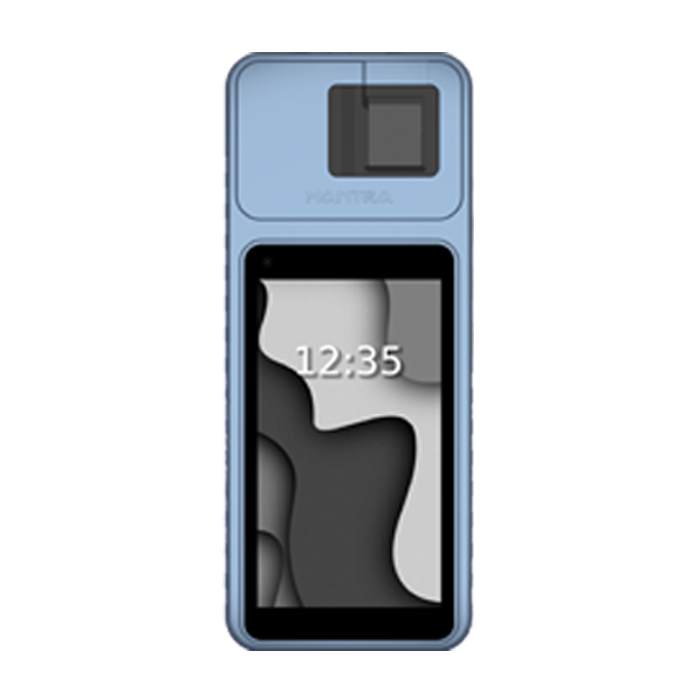
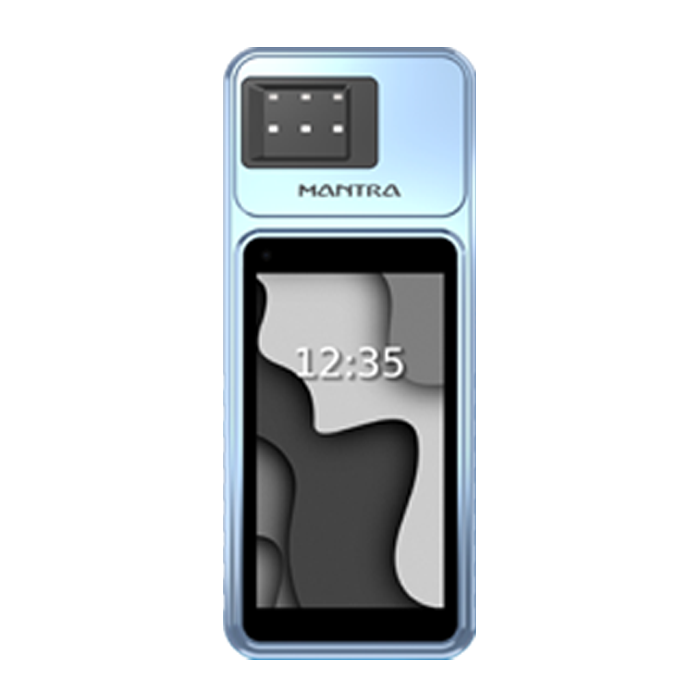
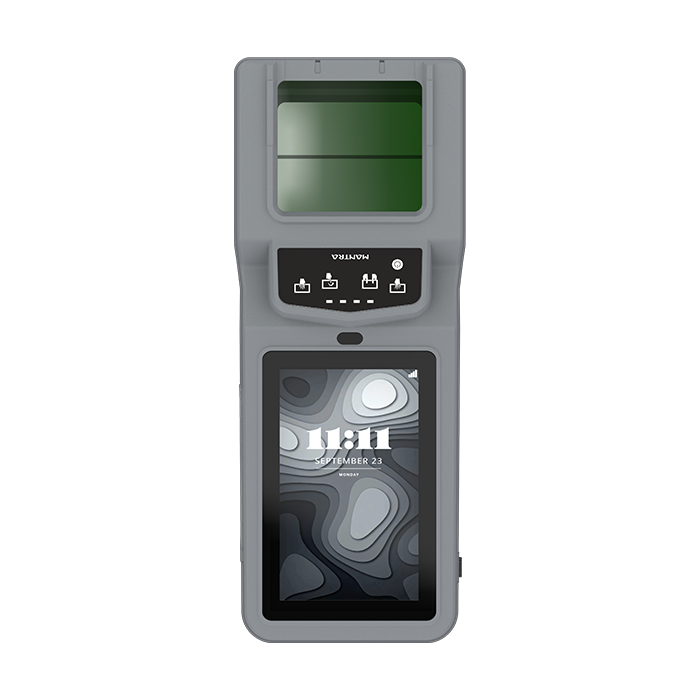
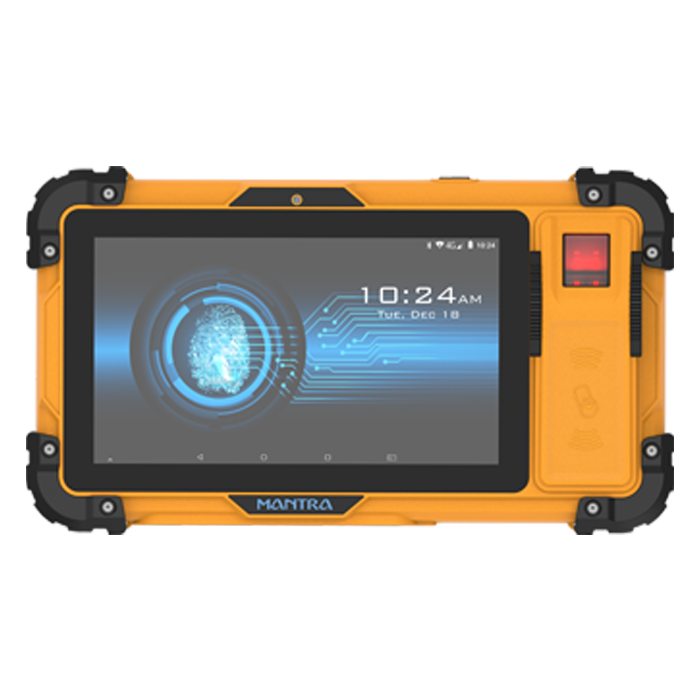
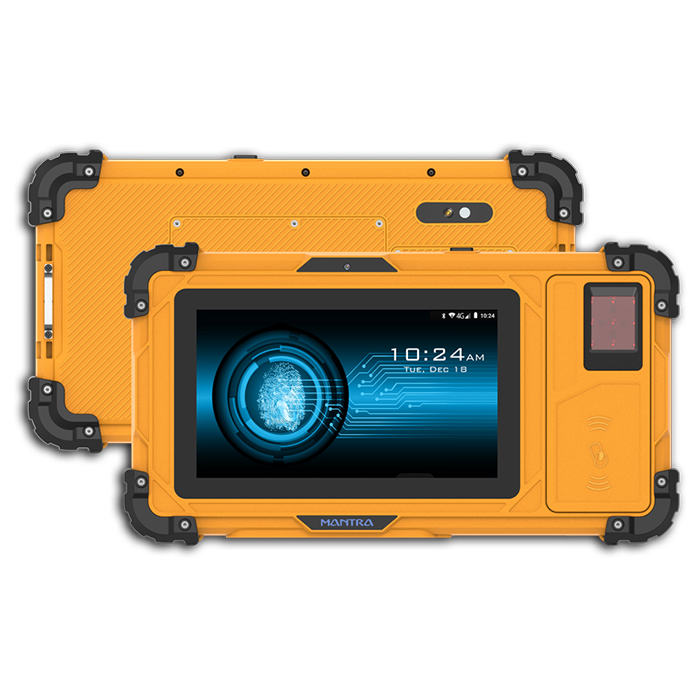
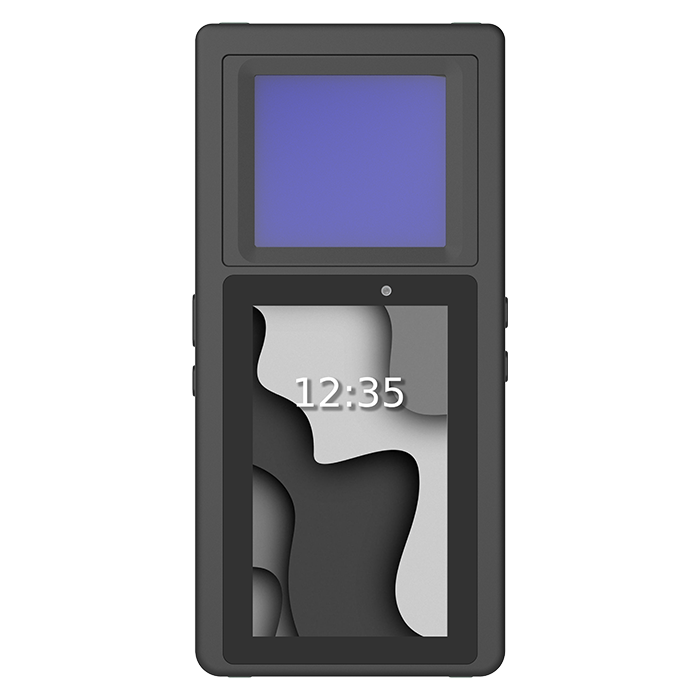
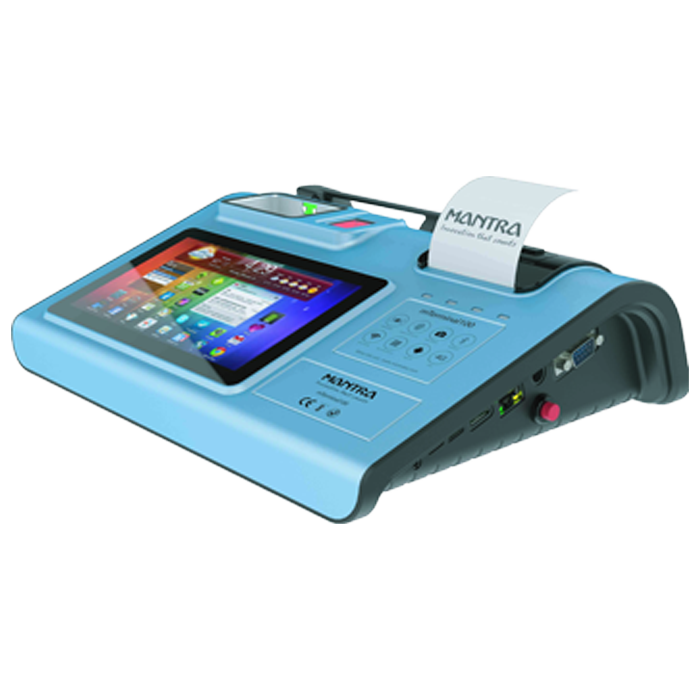
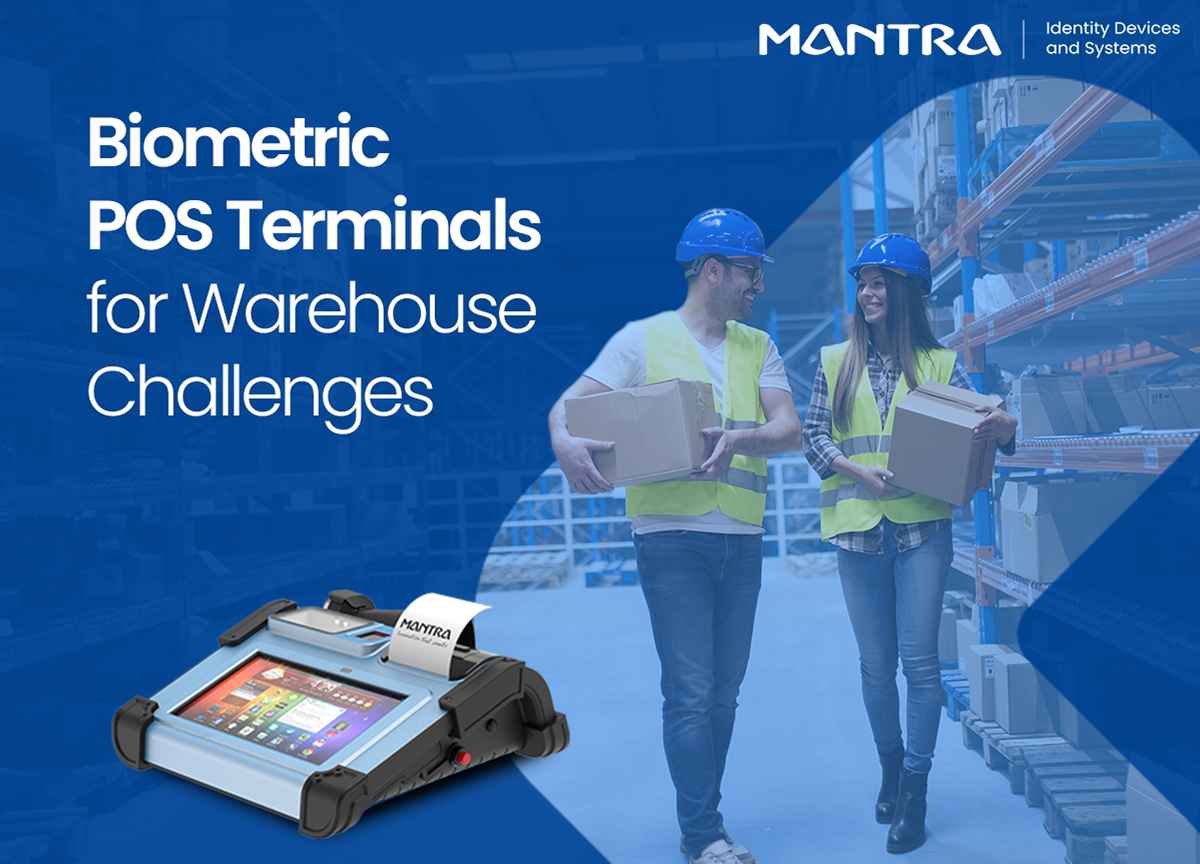
Biometric technology has matured so much from its initial days. A good example is the mT100 biometric POS terminal built for operational environments like warehouses. It combines fingerprint authentication with a robust POS interface, and it’s designed to handle the kind of real-world conditions that retail grade devices struggle with. High traffic enrollments, multi-user environments, and the need for clean integration with existing management systems. It’s the kind of hardware that makes the “this is too complicated to roll out” objection a lot harder to make.
More broadly, modern biometric terminals are faster than they used to be, more affordable than the early enterprise-only days, and far more reliable in challenging environments including warehouses with dust, variable lighting, and constant movement.
The question isn’t really “can we afford this?” anymore. For most operations of meaningful scale, the question is “how much are we losing by not having it?”
What to Actually Look for Before You Buy a Biometric POS Terminal?
Most buying guides give you a checklist. This isn’t that. Because in practice, the different a biometric POS deployment that works and one that gets abandoned six months in almost never comes down to a feature list. It comes down to a handful of things that don’t always make it into the brochure.
-
Can It Handle Real Warehouse Conditions?
Most fingerprint readers perform well in controlled environments. Warehouses are different. Workers often have grease, dust, cuts, calluses, or dry skin that can affect fingerprint quality.
Before choosing a POS machine with biometric, check whether it can reliably capture fingerprints in these conditions.
Look for:
Advanced fingerprint sensing technology
High accuracy with worn or damaged fingerprints
Consistent performance in dusty or demanding environments
-
How Fast Is Employee Enrollment?
For warehouses that regularly hire seasonal or temporary staff, enrollment speed matters.
Ask:
How long does it take to enroll one employee?
Is remote or pre-enrollment available?
Can supervisors handle enrollment without IT support?
A slow enrollment process can quickly become an operational bottleneck during peak hiring periods.
-
Does It Integrate with Existing Systems?
A biometric POS terminal should fit into your existing technology ecosystem, not operate as a standalone device.
Before investing, verify:
Compatibility with your WMS, ERP, and payroll systems
Whether implementation requires custom development
Availability of native integrations or APIs
Without proper integration, valuable workforce and transaction data can remain trapped in separate systems.
-
How Is Biometric Data Protected?
Biometric information requires stronger protection than passwords or PINs because fingerprints cannot be changed if compromised.
Key questions to ask:
Where are biometric templates stored?
Is the data encrypted?
Are fingerprints stored as templates rather than images?
Does the solution comply with local data protection regulations?
Strong security and compliance should be built into the system from the start.
-
What Happens If Authentication Fails?
Every biometric system needs a backup process, but that backup should not weaken security.
Look for:
Secondary biometric verification options
Supervisor approval with biometric authentication
Auditable manual override procedures
The fallback process should remain secure while keeping operations moving.
-
What Support Does the Vendor Provide?
Warehouse equipment operates in demanding conditions and occasional failures are inevitable.
Evaluate:
Warranty coverage
Response and replacement timelines
On-site support availability
Service level agreements (SLAs)
Fast support can prevent costly downtime and keep warehouse operations running smoothly.
The Bottom Line
Warehouses run on trust that the right people are where they say they are, handling what they’re authorized to handle, in the way they’re supposed to handle it. Most of the operational problems we’ve discussed in this blog come down to breakdowns in that trust chain.
Biometric POS terminals don’t solve every warehouse problem. But they do close a specific, costly, and often-ignored set of gaps around identity, accountability, and access control in a way that scales with your operation and generates the documentation trail you need.
If you’ve been living with one or more of the challenges above and treating them as “just the cost of doing business,” it might be worth reconsidering that assumption.
The technology is ready. The question is whether your operation is.